


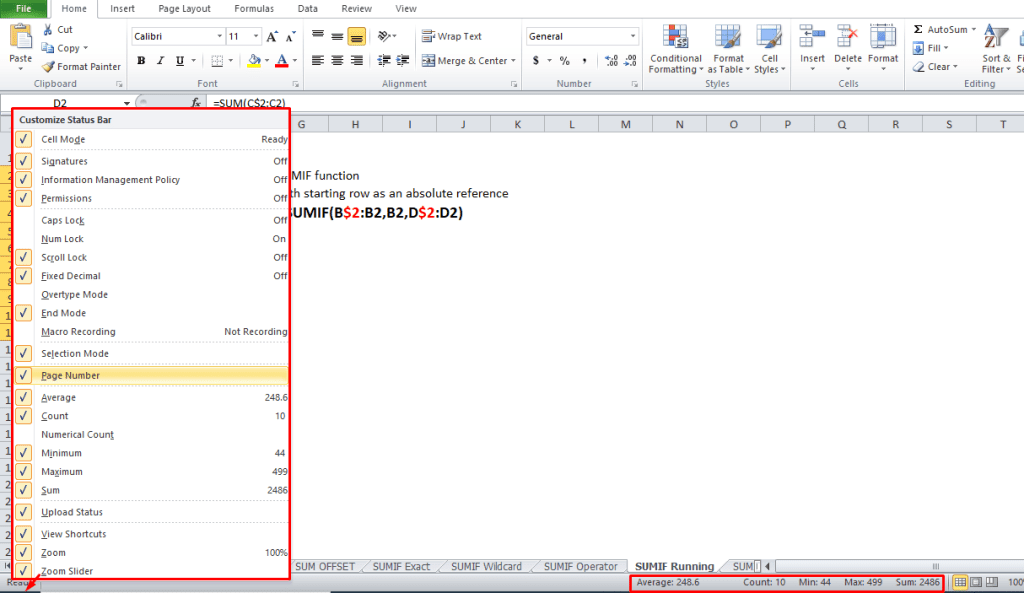
Running Total – Worksheet List
For a worksheet list (not a named Excel table), follow these steps to create a running total. In the screen shot below, amounts are entered in column C, and a running total is calculated in column D.
- Enter this formula in cell D2
- =SUM(C$2:C2)
- Copy the formula down to cell D6
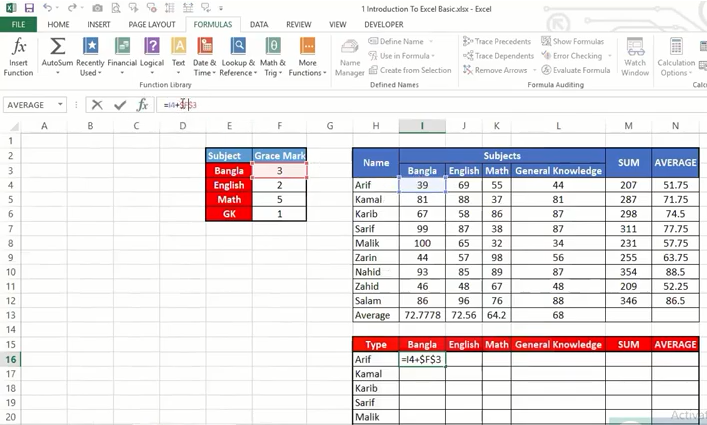
How to Work Cell Reference in MS Excel
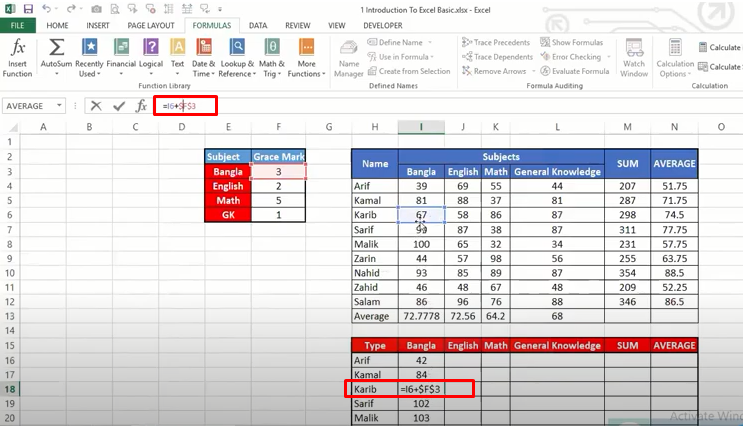
How to Work Absolute Cell Reference
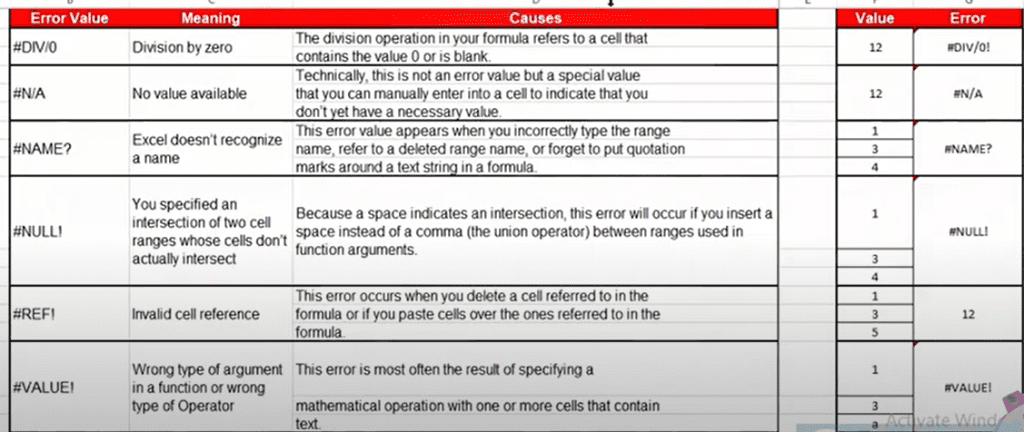
MS Excel Common Error List